Restaurant POS · QR ordering

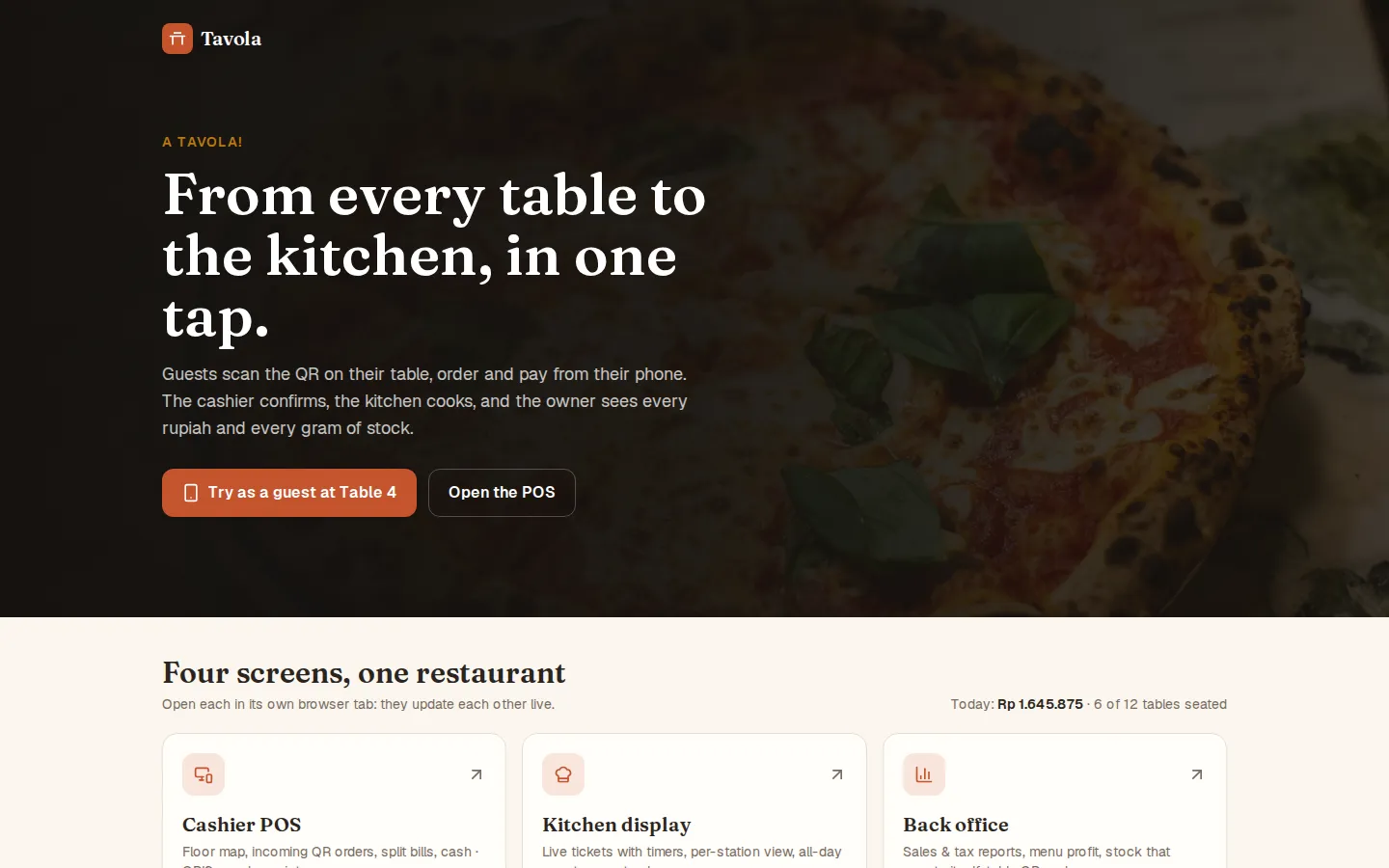
A restaurant POS, from table to kitchen.

Guests scan a QR code to order and pay from their phone, orders reach the cashier and kitchen screen, and owners see sales, food cost and stock. Built around how your restaurant works.

The result

Fewer wrong orders, faster service.

Order from the table

Guests don't wait for a server, and every order arrives clearly written with notes.

The kitchen knows the order

Tickets change color as they wait, split by kitchen and bar station.

Profit per dish

Per-portion recipes calculate food cost, and ingredient stock goes down automatically.

Features

One system for guests, cashier, kitchen and owner.

QR digital menu

Photo menu, filters, add-ons and notes for the kitchen.

QRIS & split bills

Guests pay from their phone, or the cashier splits the bill per person.

Cashier & floor plan

Accept QR orders, takeaway, discounts, cash, card, and print receipts.

Kitchen display

Tickets per station, tick-off per item and a sound for every new order.

Reports & PB1 tax

Daily sales, PB1 tax and service charge, exported to CSV.

Menu engineering

Dishes grouped by popularity and profit, with suggested actions.

Demo

Open it in several tabs and watch it connect.

Tavola

Tavola

Demo

A complete restaurant system demo: guests scan the table QR to order and pay by QRIS from their phone, the cashier accepts and checks out, the kitchen cooks from a ticket screen, and the owner sees sales, PB1 tax, food cost and stock. Open it in several tabs to see everything connected.

Pricing

Clear from the start.

Business System

IDR 15M

For stock, orders and reports

  • Modules built around your workflow
  • User roles and permissions
  • PDF and Excel reports

~6–12 weeks

Ask about this package

Not sure which package fits? Just tell us what you need and we'll help you choose. All prices are starting prices; data dashboards from IDR 5M, maintenance from IDR 300K/month.

Process

We take it step by step, together.

  1. 01

    Talk first

    Tell us about your business. Free, no commitment.

  2. 02

    A clear plan

    Features, timeline and price in writing before we start.

  3. 03

    Built together

    Try it and give feedback at every stage.

  4. 04

    Launch & beyond

    We stay with you after your site goes live.

FAQ

Frequently asked.

Do I need to install an app or buy new devices?

No installation. It's a web app, so it runs in the browser on the phones, tablets and laptops you already have.

Is Tavola sold as a ready-made app?

Tavola is a demo. The system for your restaurant is built around your menu, kitchen flow and the reports you need.

What about PB1 tax and service charge?

The rates are configurable, applied to every bill automatically, and broken down in reports you can export to CSV.

How much does it cost?

A restaurant system falls under the Business System package, from IDR 15M and about 6–12 weeks, depending on the modules you need.

All features

Tavola

A restaurant system from table to kitchen: guests order and pay on their phone, and the cashier, kitchen and owner stay connected live.

  • QR digital menu

    Guests scan the table QR: a photo menu with search, vegetarian, spicy and nut-free filters, plus add-ons and notes for the kitchen.

  • Order & track on the phone

    Orders go straight to the cashier, and guests follow the status until it is served, with a time estimate.

  • QRIS payment & service calls

    Call a waiter, ask for the bill, or pay by QRIS (GoPay, OVO, DANA and more).

  • Cashier floor map

    Tables by area, accept or reject QR orders, bill and waiter requests, and takeaway orders.

  • Cashier checkout

    Discounts, split the bill per guest, cash with change, QRIS or card, then print the receipt.

  • Kitchen display

    Tickets coloured by wait time, kitchen and bar stations, guest notes, tick off each line, bump, recall, all-day counts and a chime for new tickets.

  • Today's overview

    Sales, bills, tables seated, kitchen time and best sellers, updated live.

  • Reports & PB1 tax

    Daily sales, PB1 tax and service breakdown, by category and payment method, CSV export.

  • Menu engineering

    Every dish grouped by popularity and profit (Stars, Plowhorses, Puzzles, Dogs), with what to do next.

  • Menu & recipes

    Edit prices, photos, labels and availability, shown on guests' phones instantly; a recipe per portion works out each dish's food cost.

  • Recipe-based stock

    Ingredients deduct automatically by recipe, with a supplier order list, goods receiving and waste tracking.

  • Table QR & settings

    Print a QR for every table; set pay-before-cooking, auto-accept, cooks on shift for the time estimate, service charge and PB1.

Tap the image to zoom
Free consultation
Try the Demo Get Pricing